

Context
When I joined Juniper in 2021, the company had been on an acquisition spree. It consisted of 11 smaller companies, each with its own products and design approach (or lack thereof). The company's product suite was a testament to functionality over form, suffering from overlap without a unified strategy.
Problem
Branding for a selection of Juniper's existing product suite
There was a realisation amongst senior leadership that we needed to unify the product suite at Juniper. We looked at multiple options, ranging from a shared single-sign-on layer to a full-scale redevelopment and redesign of the product base.
The disparate interfaces and backend code made it increasingly difficult for the company to support and manage these interfaces, especially in terms of customer support. Support staff had to be trained on 10+ interfaces and expected to work across those.
It became increasingly clear that the best path forward was a unified interface that would harmonise the products via a design system.
Additionally, feedback from user focus groups highlighted confusion around product names like "Sonar," "Sisra," "Horizons," and "Catalyst." The names needed to be clearer about what product did what. This meant that for schools with multiple Juniper products, staff needed clarification about which one to use and when. The name recognition was simply not there for any of the core brands.
Solution

Example of the new Juniper omnibar
The solution we came up with for this was a fairly radical one. The approach would only work with the new vision, which was a "OneJuniper" strategy. This strategy would see a single monolithic platform built that featured all the existing and upcoming Juniper products in one place—all with a shared interface, design system, and application layer.
To accompany this, we would remove all existing branding from these sub-products and instead logically group them together.
For instance, "Sonar" and "Sisra" trackers, along with "Horizons" MIS and "MarvellousMe" rewards app, were reorganised under the "Pupils" focus area. This restructuring aimed at simplifying user interaction—teachers needing pupil-related tools could navigate effortlessly within one application.
This concept underwent numerous iterations and ideas before being greenlit. It was the most transformative strategy the company had seen yet, and it took a great deal of collaboration with partners in product, marketing, and operations.
Guided by extensive user research, including surveys and focus groups, our redesign was informed by the voices of over 100 end-users in our Juniper Discovery Program. This feedback loop was crucial, revealing a 70% initial confusion rate with product names, which dropped to under 5% post-rebranding.
Details
Focus Areas
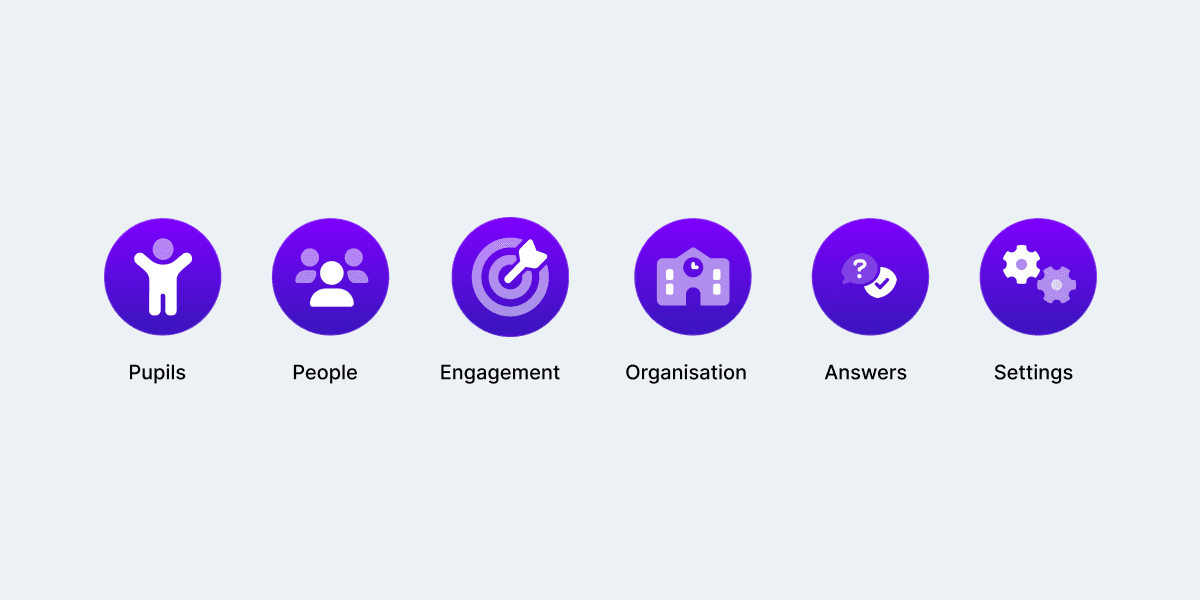
Example of Focus Area icons
With 6 Focus Areas, we had clear and effective workflows for all our core users. User feedback was overwhelmingly positive, with an 85% satisfaction rate in usability studies.
- Pupils, for any task relating to pupil management
- Staff, for any task relating to staff management
- Engagement, for communication and websites
- Organisation, for school-wide administrative functions
- Settings, for system settings
- Answers, for our help centre.
This meant users could focus on getting on with their workflow, without worrying about which product to use and when. Training and onboarding would also become streamlined since schools only had to buy one system and train their staff on that -- rather than having to train on a dozen disparate systems.
Command Palette
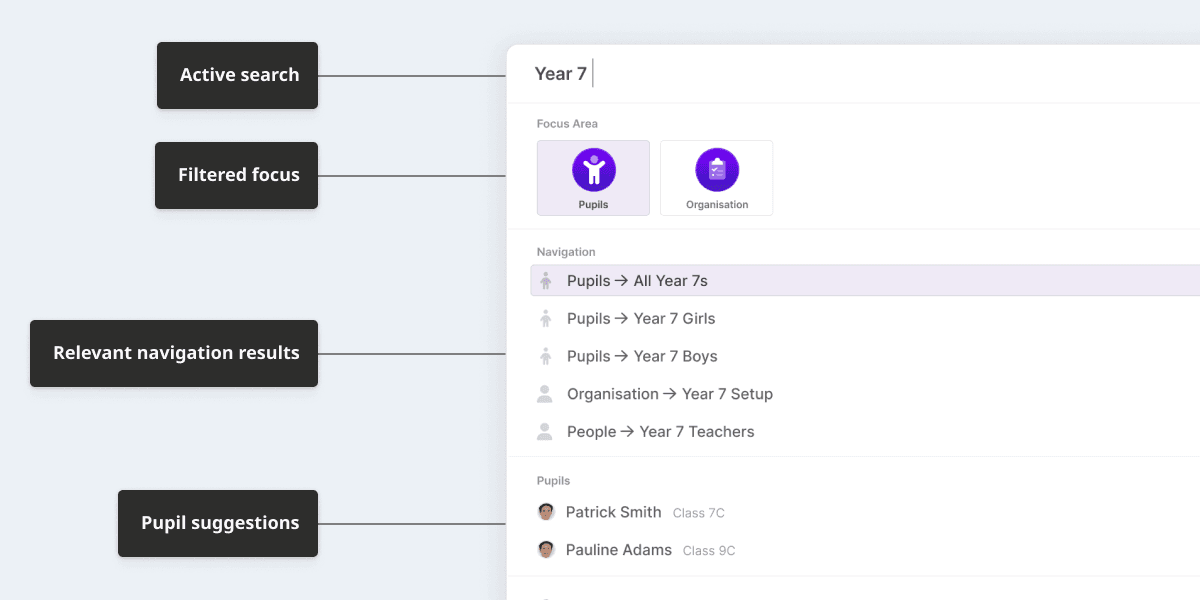
Juniper's Command Palette
We quickly recognised the potential of focus areas, especially for power users who wanted even more effective ways to navigate the new system.
We began to test the waters with our command palette, which primarily allowed users to switch focus areas. They would trigger the panel with a click of the current focus area name (or a keyboard shortcut). From there, they could simply type the name of the Focus Area they wanted to access—or they could click on the icon.
To take this a step further, we built a search tool that would search across the entire suite. As a user typed a search term, options would filter down and only show the relevant pages.
Taking this even further, I developed concepts for quick "preview" panels that could be displayed within the Command Palette. For example, you could see a pupil's profile directly from the search results.
With all this in mind, we needed to make sure every navigational path was as accessible for all of our users -- Juniper's customer base has varying levels of technical literacy, and this was at the forefront of our designs.
Focus Nav
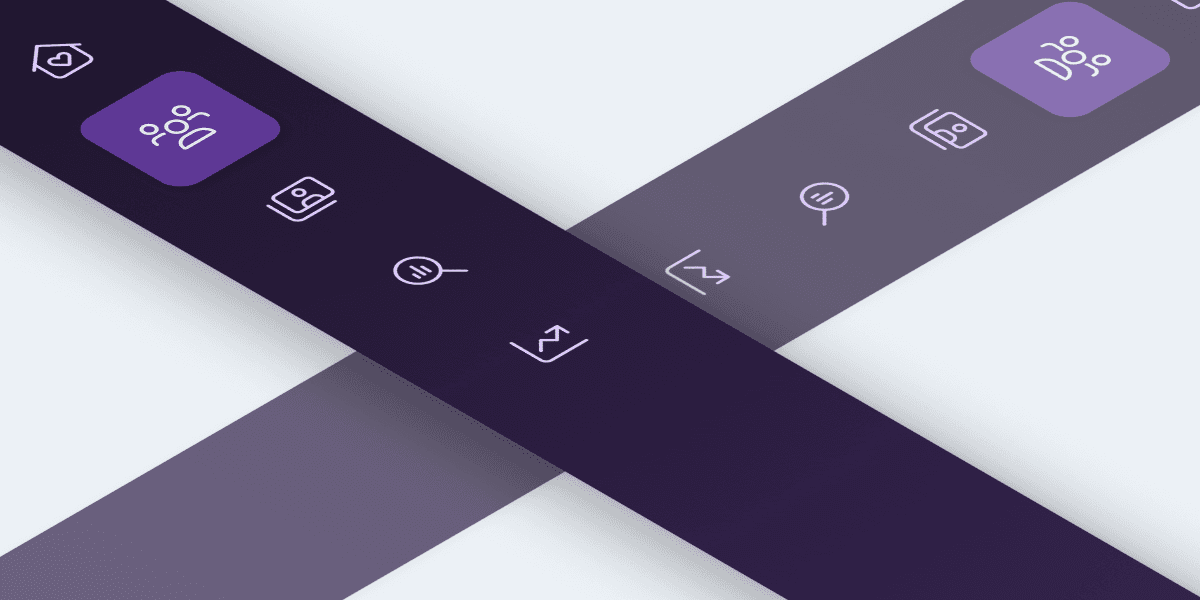
Juniper's Focus Nav
This side navigation was unique to each focus area. It contained the various pages and options for that focus area. It was collapsible, allowing users to maximise screen real estate -- especially on dense information pages.