Context
When I joined Birdie in 2024, the engineering organization was facing a common problem in fast-growing startups: technical fragmentation. The product suite consisted of multiple micro-frontends (MFEs) and a monorepo, each built by different teams at different times, using different component libraries, styling approaches, and design patterns.
The existing design system, Nest, had become stagnant and outdated. It hadn't kept pace with the product's evolution, and teams had begun working around its limitations rather than with it. This led to a fractured frontend landscape where basic components like buttons could look and behave differently depending on which part of the application you were using.
Beyond the technical inconsistency, this fragmentation created real problems for our users—inconsistent interactions, different visual treatments for the same actions, and an overall lack of polish that didn't reflect the quality of care our product enabled.
Problem
The challenges were multifaceted. There was no single source of truth—teams were using different libraries, some using Material UI, others using Ant Design, and some building custom components from scratch. Design tokens existed in Figma but had no automated path to code, leading to manual translations and inevitable inconsistencies.
Even when components existed, the friction of integrating them was high enough that developers often chose to build their own. There was no central place for designers or developers to understand what components existed or how to use them. With components scattered across multiple repositories, fixing bugs or making updates required coordinating changes across numerous codebases.
Perhaps most critically, there was organizational skepticism. Previous attempts at design system initiatives had stalled, and there was a general sense that this was a "nice to have" rather than a business priority.
Solution
Phoenix was my answer to these challenges—a complete design system rebuild focused on automation, developer experience, and organizational adoption.
Getting Buy-In
Before writing a single line of code, I needed to secure stakeholder support. I approached this strategically by first quantifying the problem—documenting 15+ inconsistent button implementations, 40+ different color values where we should have had 12, and calculating the support burden from inconsistent UIs.
I demonstrated quick wins by building a proof-of-concept showing automated Figma sync in a week. I made it approachable by creating an interactive setup wizard so designers and PMs could run the system themselves. Finally, I tied it to product goals, showing how consistency would reduce training time for care agencies and improve user confidence.
Technical Foundation
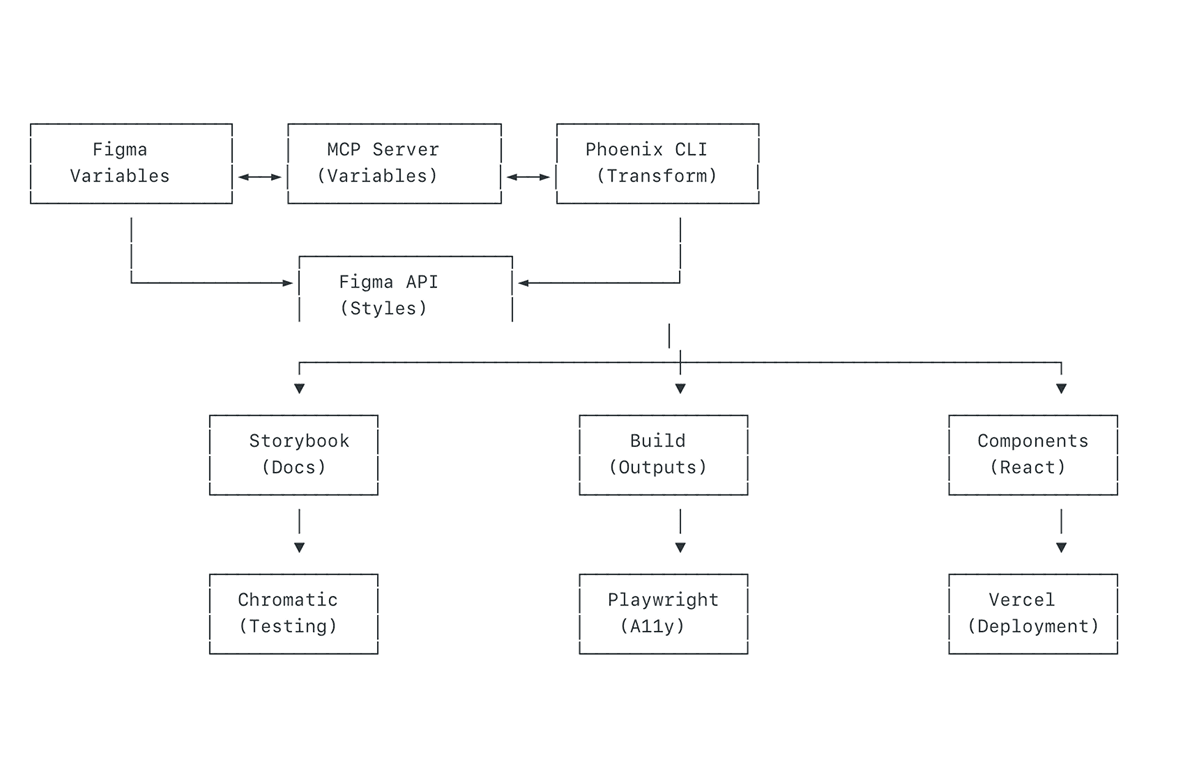
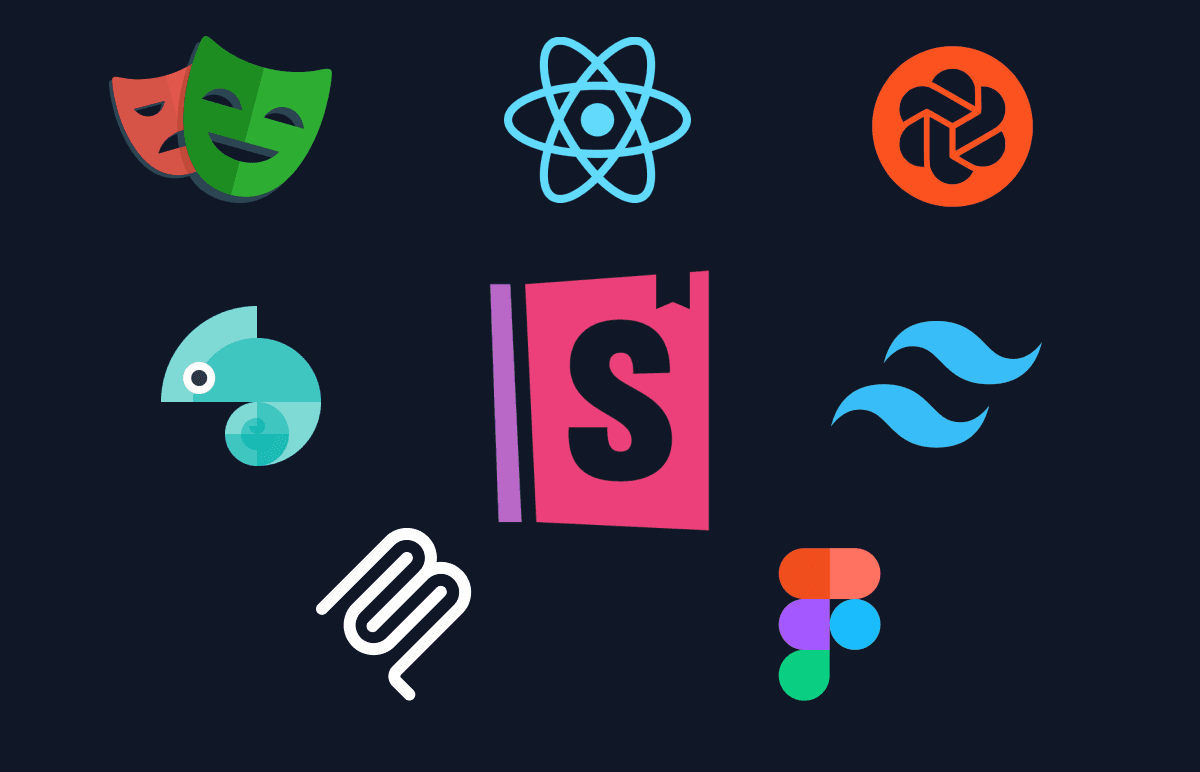
Phoenix is built on a sophisticated but developer-friendly stack. Model Context Protocol establishes a live connection between Figma and our codebase, pulling design tokens automatically. Style Dictionary then transforms these raw tokens into multiple formats—CSS custom properties, SCSS variables, JavaScript, TypeScript, and JSON.
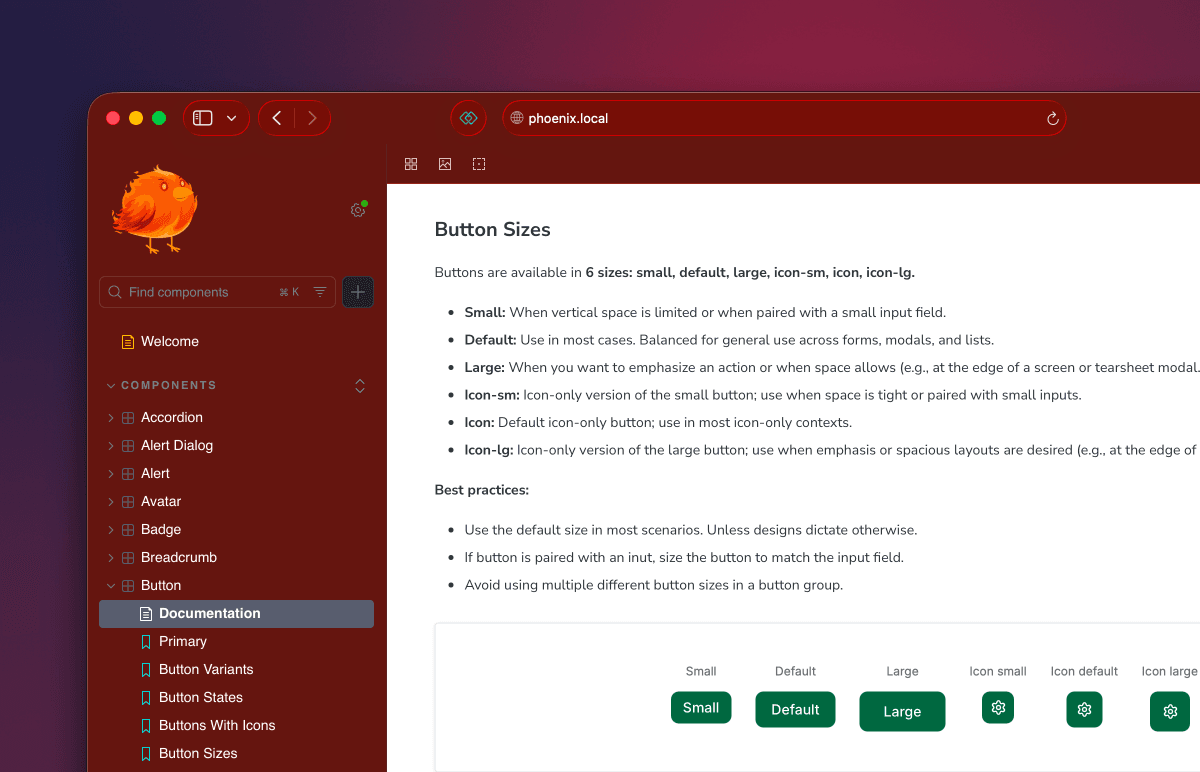
The system is documented through Storybook 9, providing a comprehensive development environment housing over 30 components. Built on shadcn/ui and Tailwind, it offers a modern component architecture with excellent developer experience. Automated testing via Chromatic handles visual regression, while Playwright ensures accessibility compliance.
Making It Easy
The best design system is one that people actually use. I focused heavily on removing friction by building an interactive setup wizard that handles all setup automatically—perfect for non-technical team members. I created comprehensive documentation with guides for every skill level, from designers to senior engineers.
I wrote migration scripts to help teams transition from the old Nest system. The real-time sync meant design changes in Figma could be in code within minutes, eliminating the manual back-and-forth that had plagued previous attempts.
Details
Automated Figma Sync
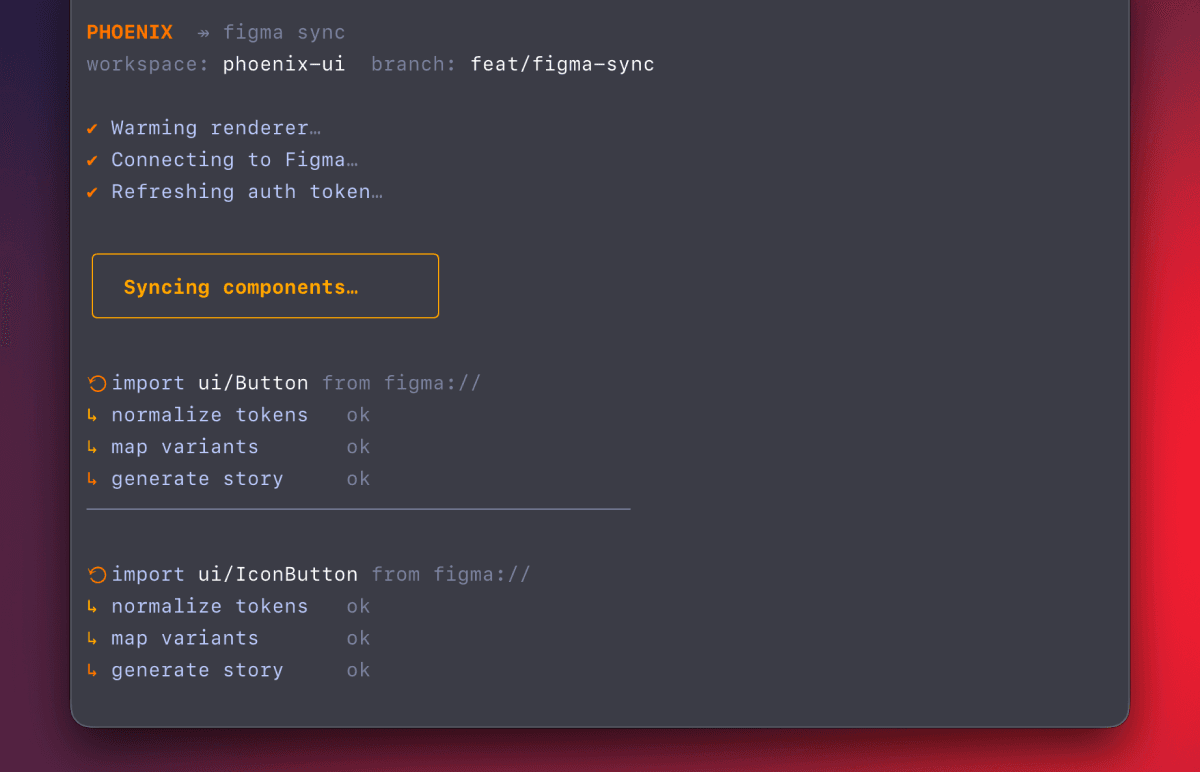
This was the technical centerpiece of Phoenix. Using Model Context Protocol, I built a system that connects directly to Figma's API without manual exports, pulls design tokens (colors, typography, spacing, shadows, etc.), validates and transforms them into production-ready code, and generates documentation automatically.
The sync runs with beautiful CLI feedback—animated spinners, progress bars, and clear status messages. This was intentional; I wanted the tooling itself to feel polished and professional.
Setup Wizard
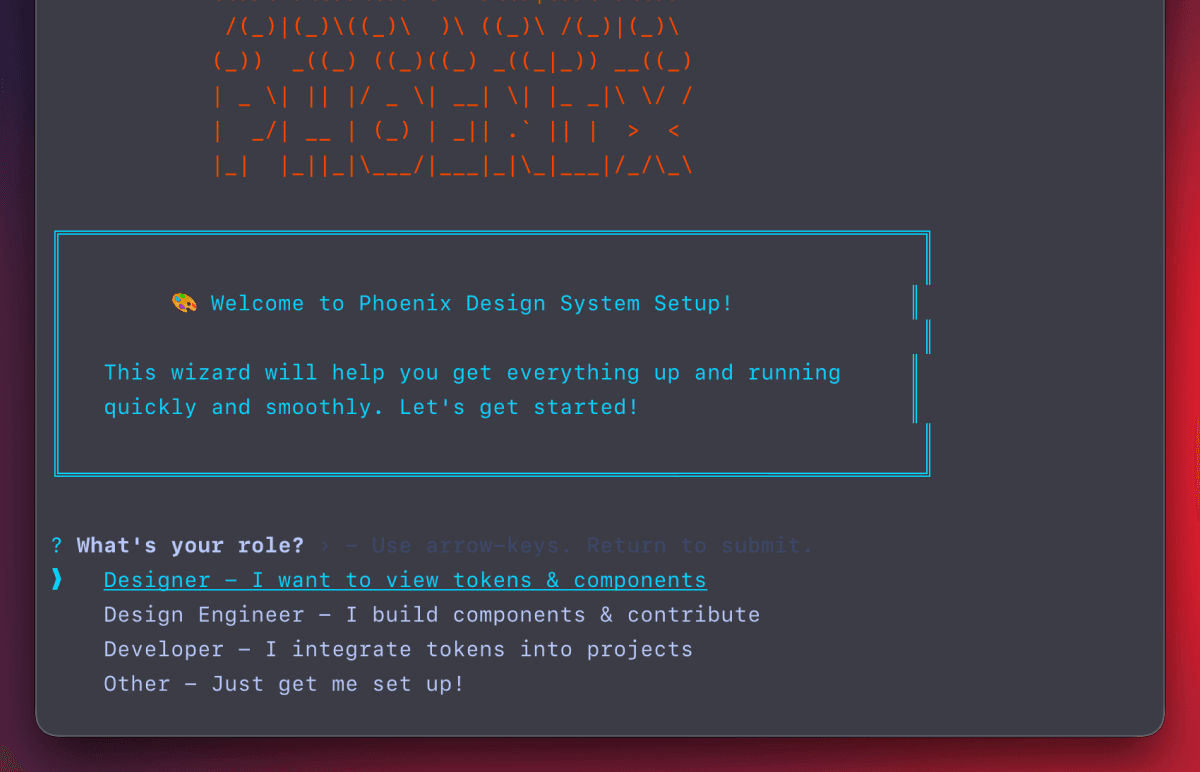
One of my first priorities was making Phoenix accessible to everyone on the team, not just engineers. The setup wizard checks system requirements automatically, guides users through environment setup, handles package installation, runs the initial token sync, and launches Storybook when complete.
This meant designers and product managers could run Phoenix locally without engineering support—a crucial factor in driving adoption.
Component Library

While I focused on the infrastructure and tooling, my colleague Calum led the migration of 30+ components from our various systems into Phoenix. My contribution here was architecting the component structure and token integration, creating migration documentation and scripts, establishing patterns for token usage, and setting up the Storybook infrastructure.
Each component is documented with interactive examples, accessibility considerations, and clear code snippets.
Testing Infrastructure
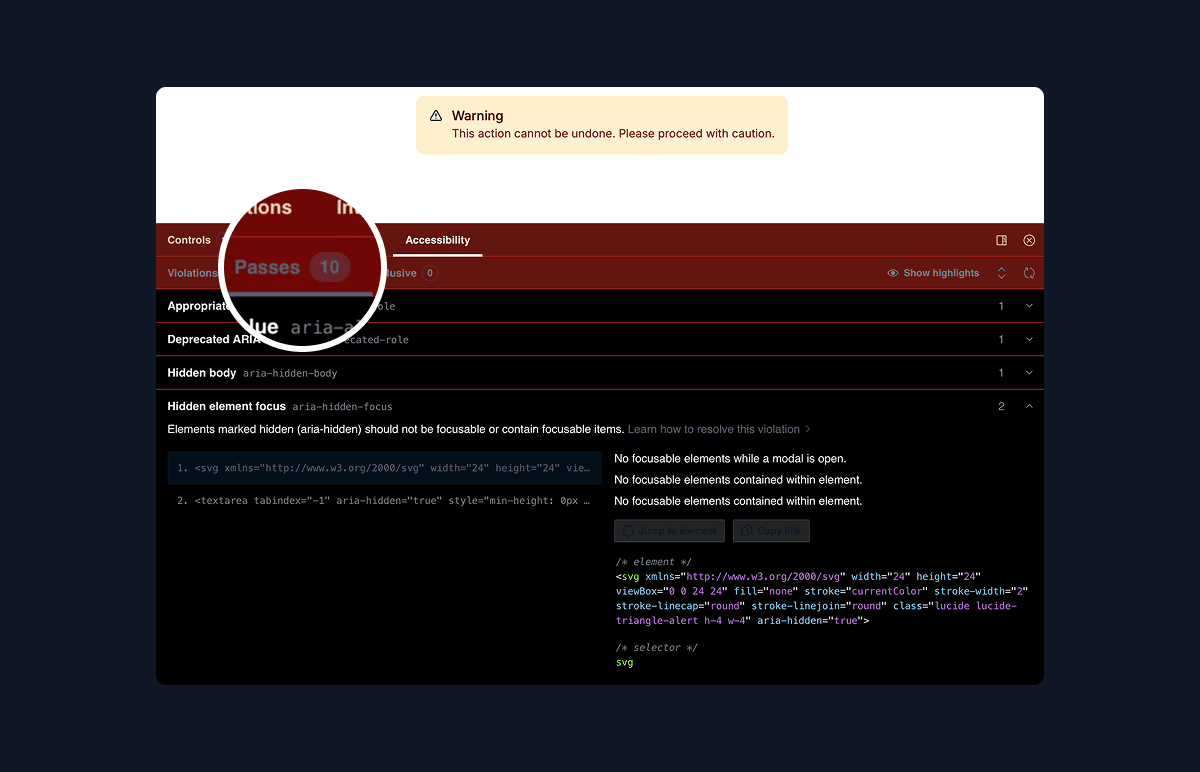
Quality was non-negotiable. I integrated Chromatic for automated visual regression testing on every PR, Playwright with axe for accessibility testing across all components, and built a full GitHub Actions workflow that tests tokens, builds Storybook, runs all tests, and deploys to Vercel.
This testing infrastructure meant we could move fast without breaking things—crucial for a system meant to be used across multiple products.
Adoption & Impact
Phoenix became an active project with meaningful engagement from the design team. Multiple designers were running the system locally, contributing components and design tokens through PRs, and providing feedback on the developer experience. The design-to-code workflow that had previously taken days was reduced to minutes through the automated sync.
Phoenix hasn't shipped to production yet, but it has already demonstrated a new approach to design systems—one that is automated, developer-friendly, and genuinely useful. The project shifted the conversation around design systems at Birdie from "nice to have" to "critical infrastructure," proving that with the right tooling and approach, design systems can be practical rather than aspirational.
The work established patterns and infrastructure that the team could build on—automated Figma sync, comprehensive testing, accessible components, and most importantly, a system that designers actually wanted to use.